Your Transparent PNG Maker
Place an illustration on a slide or a graphic on a banner. PNG Maker creates transparent images that let the design behind them show through, making each graphic easy to layer into a new composition.
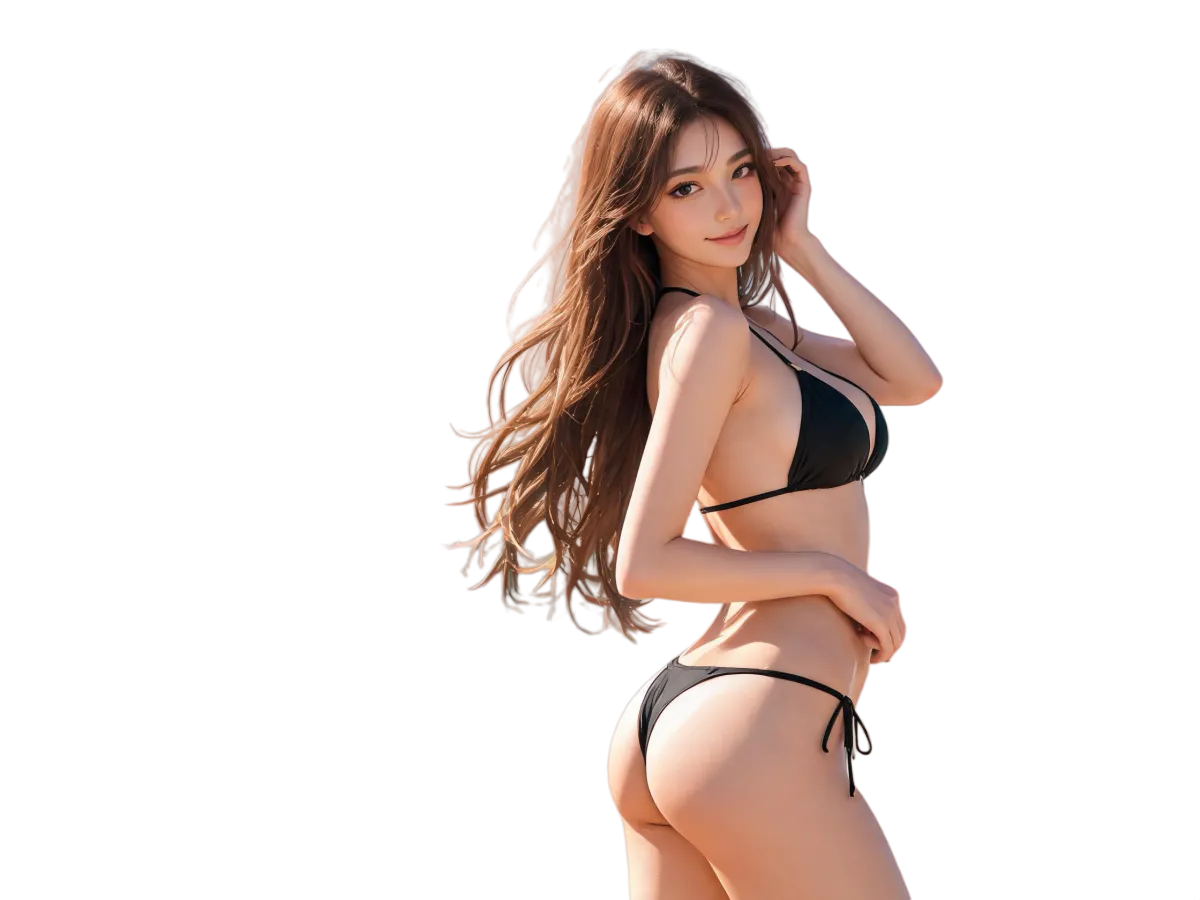

Use our AI-powered PNG maker online to create PNG images with a transparent background from text or reference pictures. Make graphics for your website, shop, social posts, and designs, ready to place on any background.
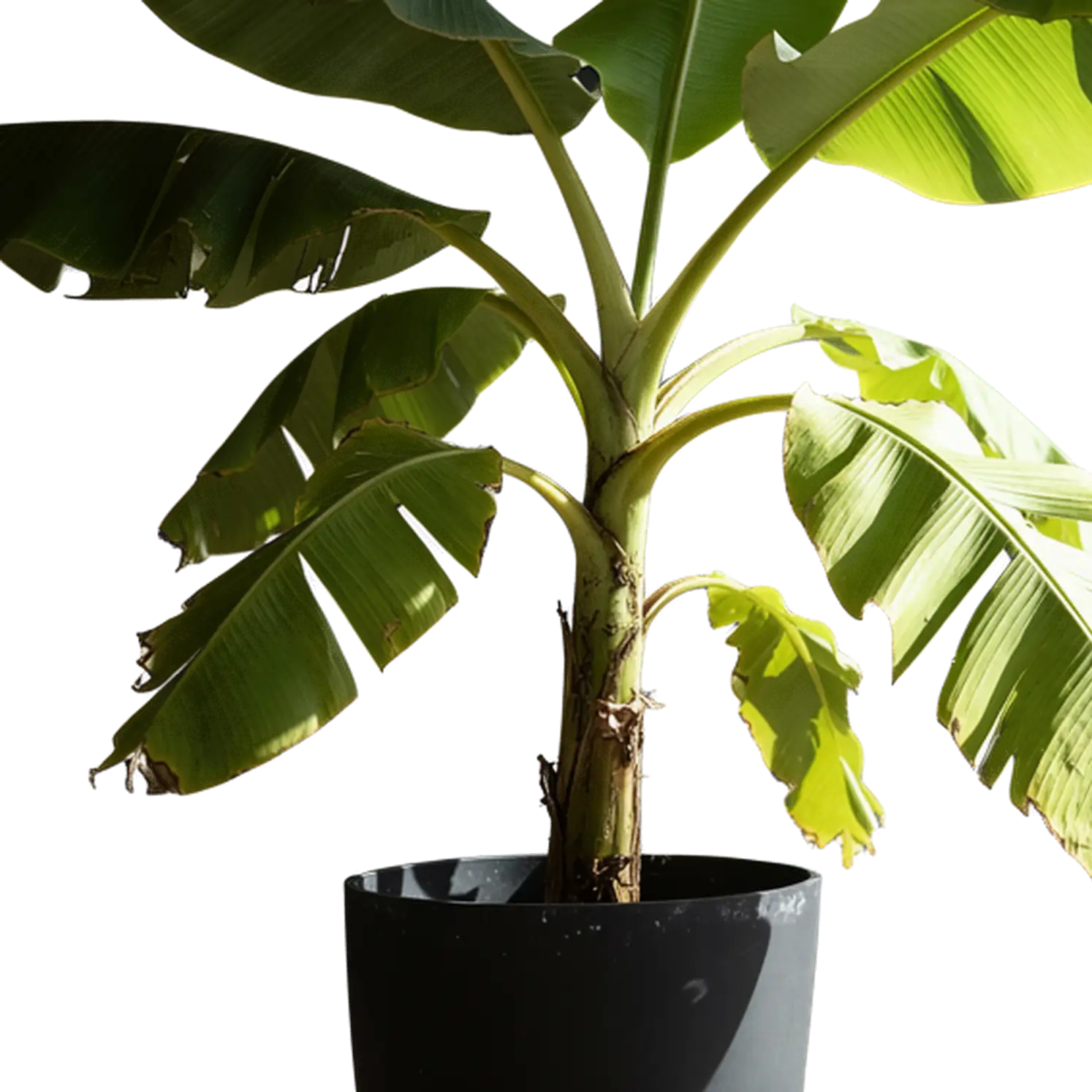

Place an illustration on a slide or a graphic on a banner. PNG Maker creates transparent images that let the design behind them show through, making each graphic easy to layer into a new composition.
Start with a picture to reimagine or describe something new. This PNG maker turns reference images and written ideas into transparent graphics. Explore the AI PNG generator for prompt ideas and guidance on using reference images.
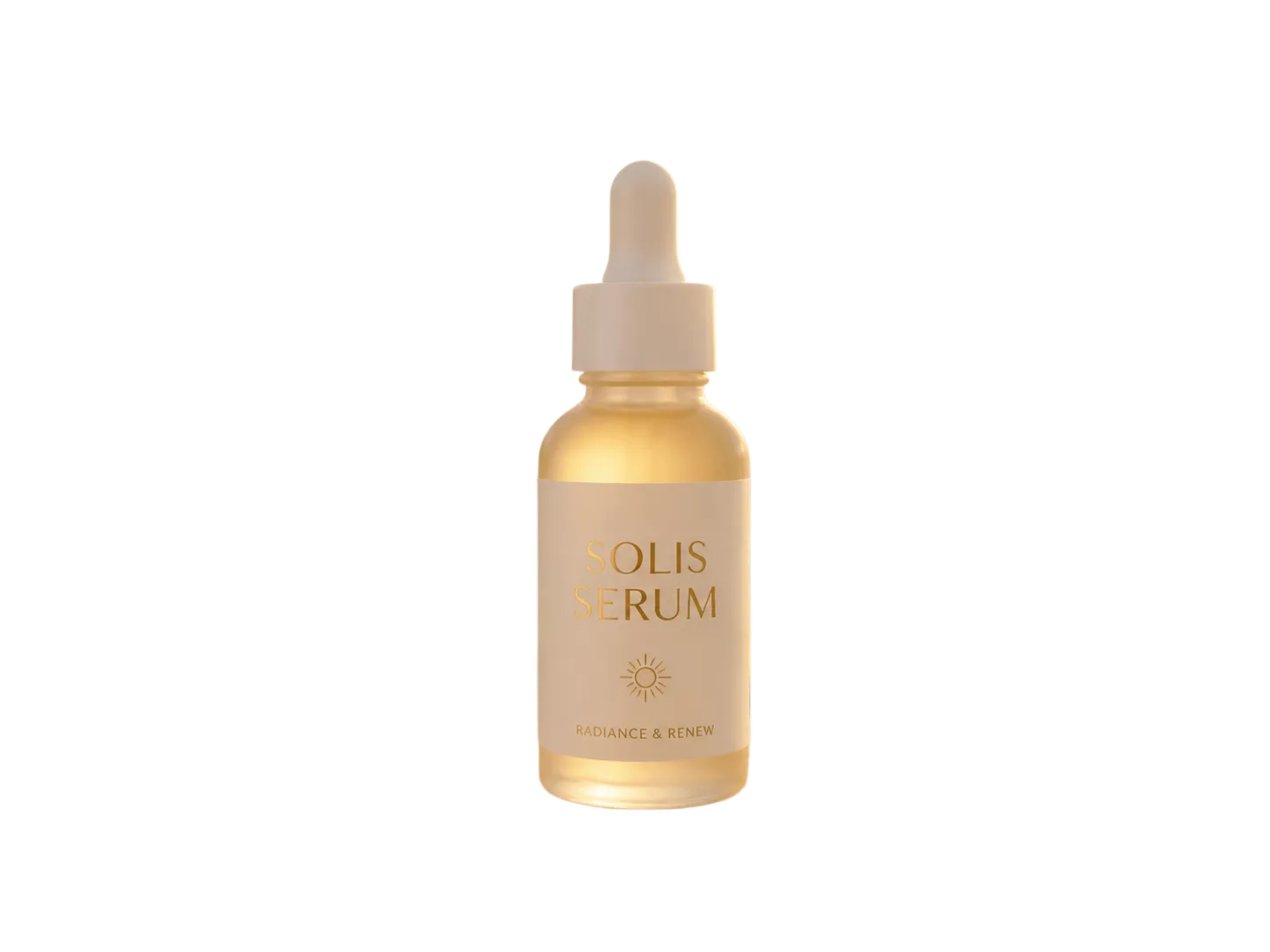
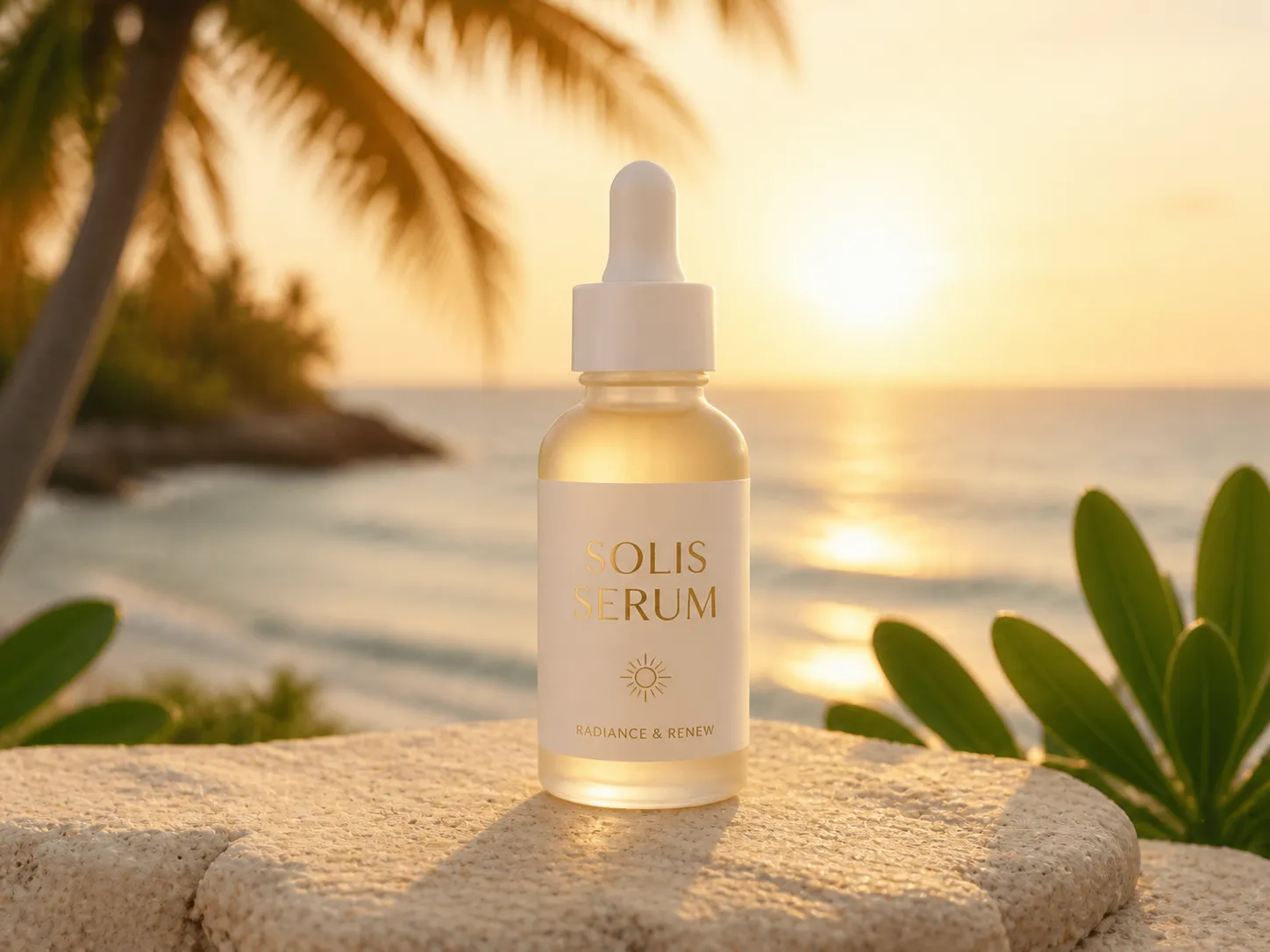
Use one transparent image across websites, social posts, and presentations. PNG Maker gives you a reusable graphic to place over colors, photos, and patterns. Create a complete scene to pair with it using the AI image generator.
Choose a reference image or begin with a written idea. Both routes create a transparent PNG for your next project.
Give the PNG maker a reference picture and create a fresh transparent version of its subject. Start with a photo, sketch, or graphic and let AI reimagine it.
Make PNG from ImageDescribe a character, object, or illustration and bring it into your design. The PNG maker creates a new graphic from your words with a transparent background.
Make PNG from TextHave a photo you want to cut out? Use AI Background Remover to remove its background and keep the original subject.
From a single sticker to a coordinated campaign, PNG Maker helps you build a collection of graphics you can use across projects.
Create graphics for sale banners, packaging concepts, and product promotions. Layer transparent images over your brand colors to bring a campaign together.
Make characters, reactions, and decorative graphics with the PNG maker. Add them to photos, stories, and social layouts for a recognizable style.
Place custom icons and illustrations in landing pages, slide decks, and app mockups. Arrange each transparent element around your text.
Use PNG Maker for character concepts, inventory icons, and decorative elements. Bring them into your project to explore how they look together.
Use our PNG creator to explore logo ideas and brand illustrations. Place each concept in different layouts to see how it fits.
Layer illustrated accents over photos or videos in your editor. Reuse your PNG Maker graphics across thumbnails, covers, and promotional designs.
With PNG Maker, create transparent PNGs in your browser, choose the proportions, and save a high-resolution image for your design.
Use PNG Maker online to create from a picture or a short description, right in your browser.
Download a PNG with transparent areas around the subject, ready to place over other visuals in your design editor.
Choose square, portrait, or landscape proportions in the PNG maker. Fit the canvas to an icon, character, or wider graphic.
Choose 1K, 2K, or 4K output. Give larger layouts more image detail and keep a useful source file for future projects.
Go from a starting image or idea to a transparent graphic with PNG Maker.
Upload a reference image to remake, or switch to text and describe the graphic you want. Pick the proportions that suit your design.
Select your output size and let the PNG maker create your graphic. Preview the transparent result before saving it.
Save your transparent PNG and add it to your website, presentation, or design editor. Place the image over a background of your choice.
A few practical choices help your PNG Maker graphics fit naturally into the finished design.
Choose a square for icons and stickers, a portrait for tall subjects, or a wide canvas for banners. Leave space for placement.
Place your downloaded PNG over light and dark backgrounds in your editor. Check how the subject and its edges sit in each layout.
Keep your PNG Maker output as a source asset. Resize a copy for each project so the original remains available for larger layouts.
Use similar proportions, colors, and visual weight across related graphics. Carry the same visual identity through a website, presentation, or campaign.
Answers to common questions about making, saving, and using transparent PNG images.
Open PNG Maker, start with an image or text, and create your graphic. Download the PNG, then place it on a background in your design editor.
Yes. Use a photo as a reference in PNG Maker to create a new transparent version. For removing the background around an existing subject, choose AI Background Remover.
Yes. Switch PNG Maker to text mode and describe an image, such as a watercolor butterfly. AI creates a transparent graphic from your words.
Yes. Use our free PNG maker online to create transparent graphics from an image or text. Choose your starting point in the tool above.
PNG supports transparent areas, making it useful for graphics and overlays. JPG does not store transparency and is commonly used for photographs. Choose PNG for images you want to layer into a design.
Place the PNG over a colored background in your editor. The color should show through the transparent areas. A checkerboard is commonly used to preview transparency.
Use PNG Maker graphics for stickers, icons, website illustrations, product promotions, presentations, and video overlays. Transparent backgrounds let the surrounding design show through.
Download from PNG Maker, import the image into your design editor, and place it above a photo or color layer. Adjust its size and position to fit.
Your Next Design Starts Here
Use a photo as a reference or describe something new. Create a transparent PNG for your next design with PNG Maker.